Skip to content
Locations
Messages
Events
Give
Locations
Messages
Events
Give
menu
menu
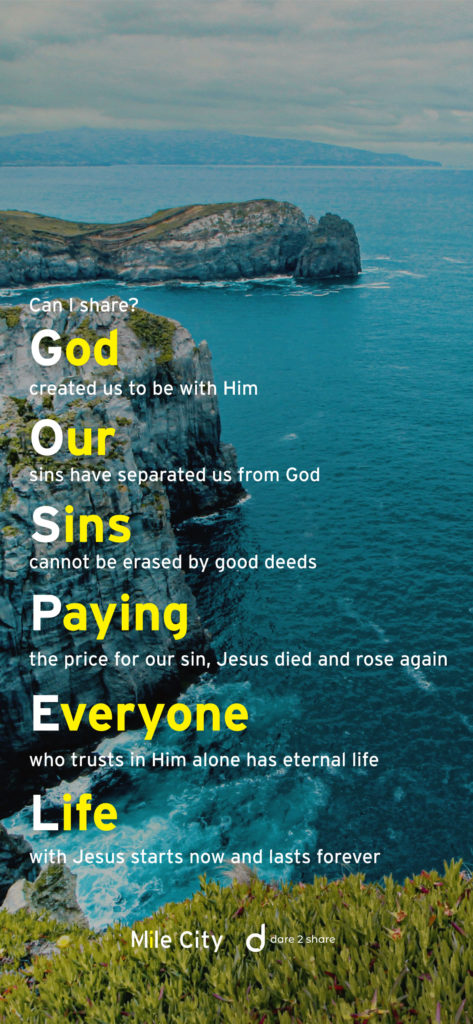
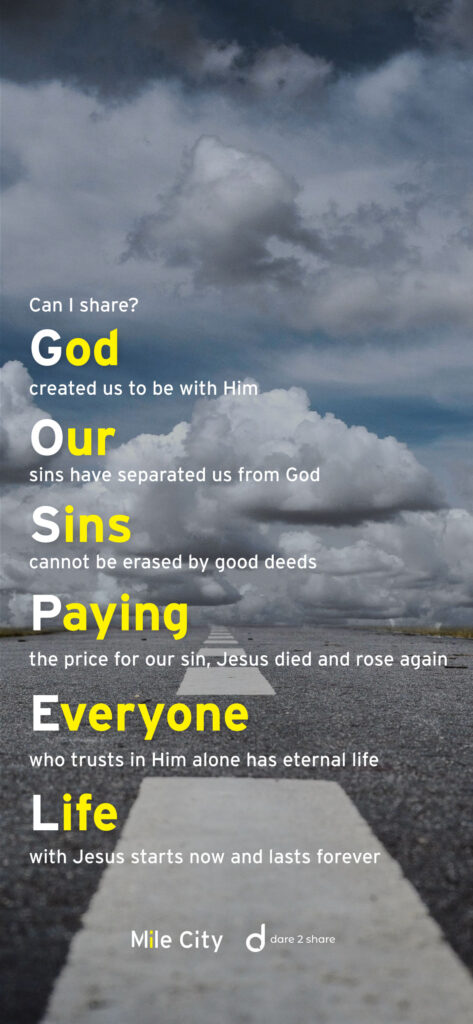
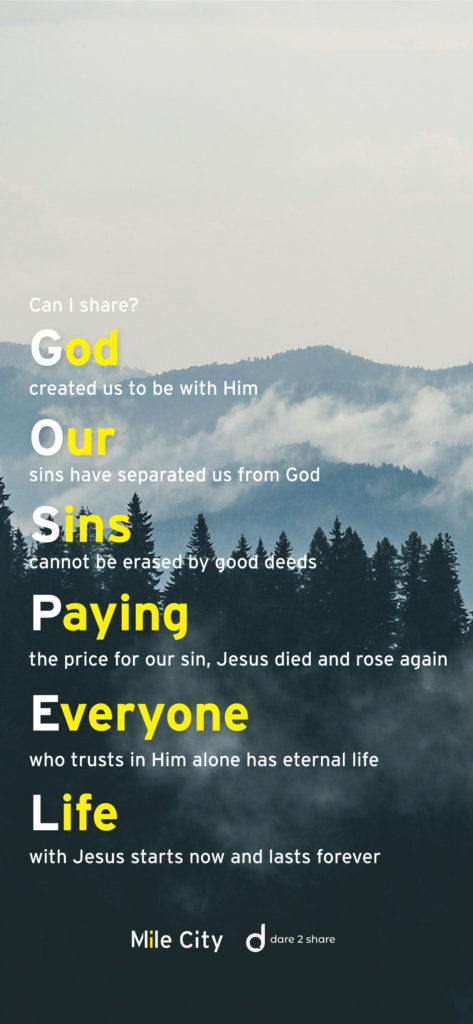
G.O.S.P.E.L
Download your G.O.S.P.E.L. wallpaper
Below you’ll find a few different options to download to your phone (or computer) so you can always be ready to share the GOSPEL with someone!
To make an image your iPhone wallpaper:
Press and hold on the image of your choice
Select “Save to Photos”
Open the image in “Photos”
Tap the “Share” icon
Scroll down to “Use as Wallpaper”
YOU DID IT!!!
To make an image your Android wallpaper:
Press and hold on the image of your choice
Select “Save image”
Open the image in “Gallery”
Tap the three dots in the top-right and select “Set as wallpaper.”
You’ll be given the choice between using this photo as wallpaper for your home screen, lock screen, or both.
YOU DID IT!!!
Ministries
Kids
Students
Young Adults
ESL
Events
Kids
Students
Young Adults
ESL
Events
Locations
Plymouth
Lyon
Español
Japanese
Plymouth
Lyon
Español
Japanese
Resources
Messages
Watch Live
Mile City App
Explore
Messages
Watch Live
Mile City App
Explore
About
About Us
Contact Us
Staff
Plan Your Visit
About Us
Contact Us
Staff
Plan Your Visit
Next Steps
Next Move Lunch
Baptism
Groups
Serve
Next Move Lunch
Baptism
Groups
Serve
Generosity
Give
X-Mile
Give
X-Mile
Instagram
Youtube
Facebook
plan your visit
Ministries
Kids
Students
Young Adults
ESL
Events
Kids
Students
Young Adults
ESL
Events
Locations
Plymouth
Lyon
Español
Japanese
Plymouth
Lyon
Español
Japanese
Resources
Messages
Watch Live
Mile City App
Explore
Messages
Watch Live
Mile City App
Explore
About
About Us
Contact Us
Staff
Plan Your Visit
About Us
Contact Us
Staff
Plan Your Visit
Next Steps
Next Move Lunch
Baptism
Groups
Serve
Next Move Lunch
Baptism
Groups
Serve
Generosity
Give
X-Mile
Give
X-Mile
Instagram
Youtube
Facebook
watch live